One good product photo is enough to make a useful ad video in 2026. Not a blockbuster, not a full brand film, but absolutely enough to produce:
- a 6-15 second paid social cut
- a landing-page hero loop
- a product demo opener
- a LinkedIn or email campaign asset
The mistake is assuming that the AI part starts with prompting. It does not. It starts with the photo.
The short version
Here is the workflow I recommend if you want results that look intentional instead of obviously AI-made:
- Start with a clean source image that clearly shows the product.
- Decide on one motion idea, not five.
- Generate 3-5 short variants with different camera/movement instructions.
- Pick the cleanest motion take before adding text, logos, or captions.
- Add overlays and CTA in editing, not in the source image.
That last point matters more than many people realize. Google Merchant Center's image guidelines explicitly reject promotional overlays, watermarks, borders, price text, and other non-product elements in the main product image. Even when you are not using the image in Shopping listings, the same rule helps AI video generation: a clean source image gives the model less junk to preserve.
What makes a good input photo
The best source photo is not the "prettiest" one. It is the one that gives the model the least ambiguity.
| Input photo trait | Why it matters for AI video |
|---|---|
| Product is fully visible | The model has a clear subject to preserve |
| High resolution | Fine details survive motion better |
| Even lighting | Fewer weird shadows to reinterpret frame-to-frame |
| Minimal background clutter | Less chance of drifting props or muddy motion |
| No text overlays or badges | Reduces artifacts and preserves edit flexibility |
Google's current Merchant Center help page recommends at least 500x500 px, and says around 1500x1500 px or above is better when possible. It also recommends that the product take up roughly 75%-90% of the image area. Those are good practical targets for AI animation too.
Shopify's own product photography guidance aligns with this: use soft natural light, avoid harsh direct sun, place the setup near a window, and use a white or black reflector card to control shadow shape. In plain English: do not make the model solve lighting problems that you could have solved with a sheet of foam board.
A simple test for whether your photo is good enough
Ask three questions:
- Can a stranger immediately tell what the product is?
- Would the shot still work if I paused on the first frame for three seconds?
- Is the product still the main subject if the background moves a little?
If the answer to any of those is "not really," fix the photo first.
Pick one motion idea
Most failed AI ads fail because the brief asks for too much:
- orbit camera
- product rotation
- water splash
- hand interaction
- background change
- text reveal
- emotional storytelling
That is not one shot. That is a storyboard.
Start with a single idea:
| Ad goal | Strong first motion brief |
|---|---|
| Make the product feel premium | Slow dolly-in with subtle highlight movement |
| Show shape and materials | Gentle 3/4 orbit or parallax shift |
| Make it feel usable | Small real-world interaction: pick up, press, open, pour |
| Explain a feature | Static product, one feature area animates or catches light |
If you only have one still image, subtlety wins. You are asking the model to infer time from a frozen moment. Large, complex choreography is where identity drift begins.
Prompt structure that actually works
For image-to-video, I recommend writing prompts in blocks rather than paragraphs.
| Prompt block | What to write |
|---|---|
| Subject lock | Name the exact product and key visual traits |
| Camera | Describe one camera move |
| Physical action | Describe one believable motion |
| Lighting | Keep or slightly evolve the original lighting |
| Mood | Premium, crisp, playful, industrial, clinical, etc. |
| Output constraints | Short-form ad, realistic motion, clean background, no extra objects |
Prompt formula
Animate this [product name] while preserving its exact shape, color, label placement, and materials.
Camera: [one camera move].
Action: [one believable action].
Lighting: [describe lighting].
Mood: [brand tone].
Output: clean short-form ad shot, realistic motion, no extra objects, no warped text, no duplicated product.
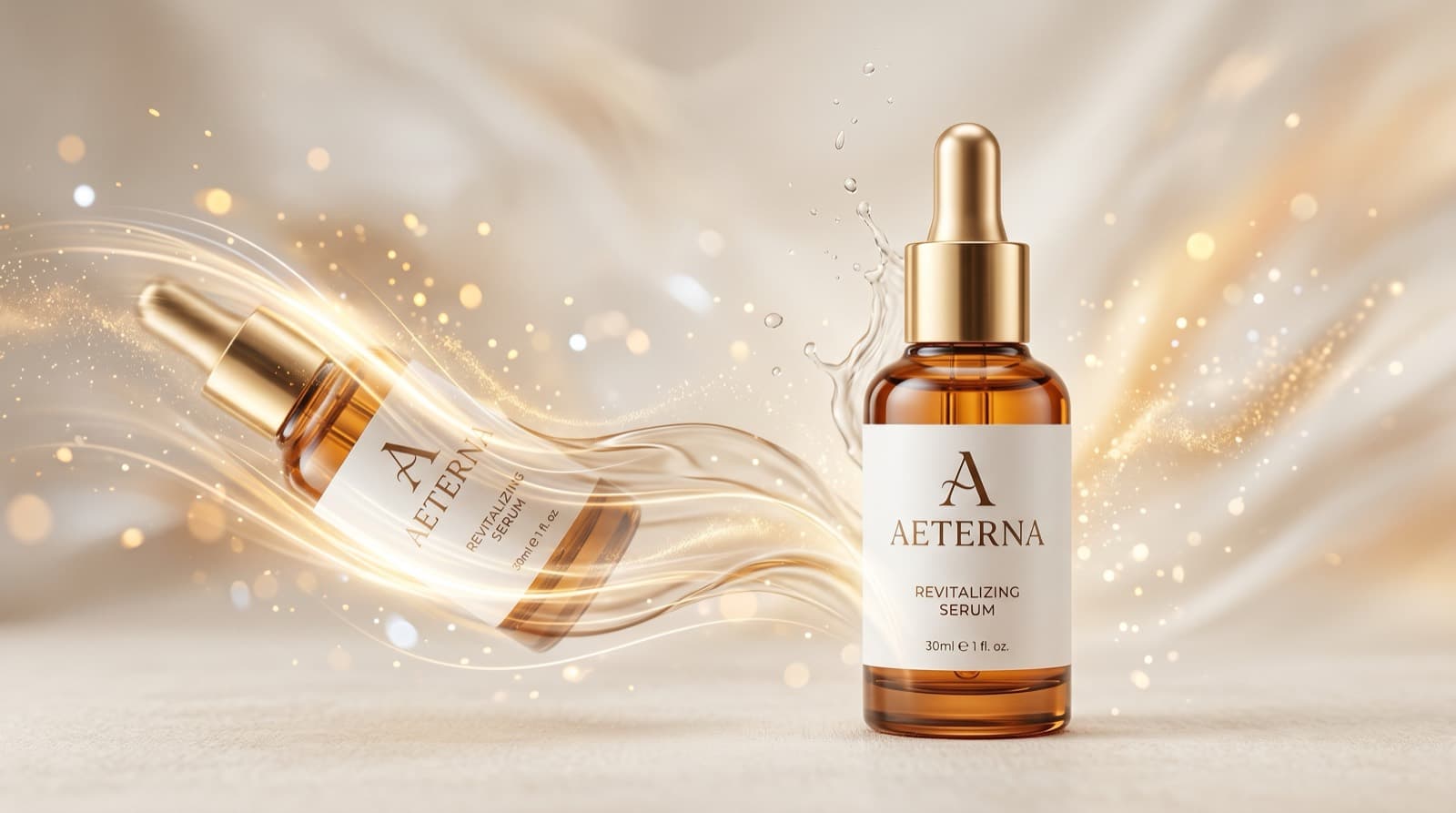
Example 1: premium beauty product
Animate this frosted glass serum bottle while preserving its exact bottle shape, cap finish, label placement, and pale amber liquid.
Camera: slow dolly-in from a 3/4 angle.
Action: a subtle rotation of the bottle with a gentle light sweep across the glass.
Lighting: soft studio light with controlled highlights and a clean neutral background.
Mood: premium, calm, editorial.
Output: clean 8-second product ad shot, realistic motion, no extra props, no warped label text, no duplicate bottle.
Example 2: kitchen product
Animate this ceramic mug while preserving its exact silhouette, glaze texture, handle shape, and printed mark.
Camera: slight lateral parallax move.
Action: a thin stream of steam rises naturally while the mug turns a few degrees.
Lighting: morning window light with soft shadows.
Mood: warm, lived-in, trustworthy.
Output: short ecommerce ad shot, realistic motion, clean tabletop, no extra dishes, no text distortion.
The production workflow I would actually use
1. Prepare the master image
Before generation:
- remove baked-in overlays
- check edges for cutout halos
- make sure the product is sharp
- crop for the aspect ratio you really need
If your ad is going to run vertically, prepare the image with vertical framing in mind. Do not generate a horizontal video and pray the crop survives later.
2. Generate a small batch of motion variants
Do not generate 20 prompts. Generate 3-5 prompts that differ in only one variable:
- camera move
- product action
- lighting mood
This makes it obvious what is improving or breaking the shot.
3. Choose the "cleanest" clip, not the busiest
For product ads, the best take is usually the one with:
- stable geometry
- readable branding
- believable highlights
- no surprise extra objects
Marketers often choose the flashiest take. That is usually the wrong one.
4. Add text and branding after generation
Once the product clip is stable, move to editing:
- add logo
- add product name
- add value prop
- add CTA
- add captions if needed
This is where Shotra is useful in practice. The hard part is not only generation quality. It is keeping the pipeline short enough that you will actually make variants, compare them, and ship the better one.
A good first cut for channel formats
| Channel | Recommended cut | Why |
|---|---|---|
| Paid social | 6-10 seconds | Fast enough to test and cheap to iterate |
| Landing page hero | 4-8 seconds loop | Lightweight and visually clean |
| LinkedIn ad | 15-30 seconds if you add messaging and captions | LinkedIn recommends shorter ads for awareness and captions for sound-off viewing |
| Email or product launch teaser | 5-8 seconds | Quick visual proof without overexplaining |
LinkedIn's 2025 marketing guidance also recommends square or vertical formats for mobile-friendly performance and getting attention in the first three seconds. That matters if your product video is heading into a B2B feed rather than a consumer ad network.
Common failure modes and how to fix them
| Problem | Likely cause | Better move |
|---|---|---|
| The product shape drifts | Prompt asks for too much motion | Reduce movement and focus on one action |
| Label text melts | Low-res source or strong camera move | Use a higher-res source and calmer motion |
| Weird extra props appear | Prompt is too open-ended | Add "no extra objects" and simplify the scene |
| Video looks synthetic | Lighting is inconsistent or overdramatic | Match the original lighting more closely |
| The result feels like a slideshow | Motion brief is too vague | Specify one camera move and one physical action |
My recommended starter workflow in Shotra
If your goal is speed rather than model archaeology, keep it simple:
- Upload the cleanest master product image.
- Create one vertical and one square version if you need paid social.
- Generate three motion variants from the same still.
- Keep the winning variant and only then add message layers.
That is a much better use of time than trying to brute-force quality with giant prompts.
Bottom line
You do not need a giant production setup to turn a product photo into an ad video. You need:
- a source image that is clean and product-first
- one believable motion idea
- a comparison habit instead of a one-prompt habit
If the source image is disciplined, AI video generation gets dramatically easier. If the source image is messy, the model will faithfully preserve your mess and add new ones.