
Playful & Energetic
Use this when you want a lively, happy result that feels ready for social sharing. It fits puppies, playful cats, celebration posts, and any content meant to feel cute and upbeat.
One photo is all it takes — watch your pet move, play, and explore on the Fast tier with Seedance 2 Fast.
Lifelike motion
Natural, fluid movement that looks real
Three moods
Playful, calm, or adventurous — you choose
Simple workflow
Upload one photo and generate in a few minutes
Playful
Calm
Adventurous
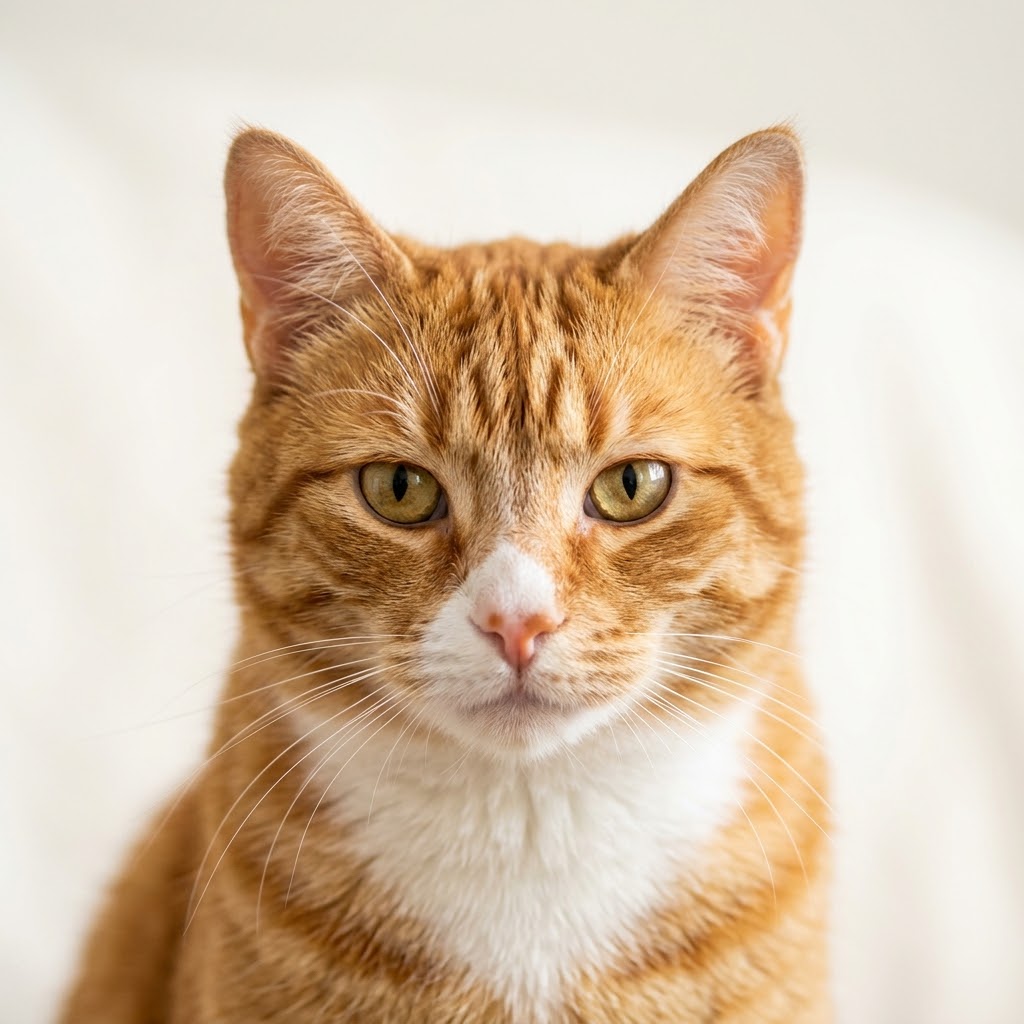
Original
Result

Original
Result
Upload a photo
Any clear close-up of your pet works great
Choose the vibe
Pick the animation style that fits their personality
Generate & share
Download and post — friends will ask how you did it
Upload your pet's photo and watch them come to life.
Best results: close-up photo, pet facing camera, good lighting
These pages are built for fast, single-asset workflows. The strongest results come from picking the tool that matches your intent, then choosing a style that fits the channel.
Turn a favorite pet portrait into a social-ready clip for Instagram, TikTok, or a family group chat.
Create memorial tribute videos from treasured photos when you want motion that feels gentle and respectful.
Make birthday cards, adoption posts, or holiday greetings with a single cat, dog, rabbit, or other pet photo.
Build lightweight branded content for pet products, groomers, rescues, or veterinary campaigns without a live shoot.
Input quality still matters. A strong source image gives the motion model room to create believable movement and avoid the jitter that comes from weak photos.
Use a clear, well-lit image where your pet is the obvious subject and not hidden behind furniture or people.
Front-facing or three-quarter angles usually animate more naturally than profile shots taken from far away.
Choose photos with visible eyes, ears, and body outline so the motion model has enough detail to work with.
Skip blurry action shots, heavy filters, or tiny phone screenshots. They reduce realism and make fur texture unstable.
You do not need a free-form prompt here. The main creative choice is picking the preset that matches your use case and publishing surface.
Use this when you want a lively, happy result that feels ready for social sharing. It fits puppies, playful cats, celebration posts, and any content meant to feel cute and upbeat.
This is the best choice for softer motion, sentimental edits, and tribute-style videos. It works well when the photo has a relaxed pose or you want the output to feel warm and restrained.
Pick this when the pet should feel curious, bold, or outdoorsy. It suits travel memories, hiking shots, and brand content that wants a little more cinematic motion than a simple portrait.
Shotra uses pay-as-you-go credits, so you can see the exact total before generating. The final charge depends on the tool, render tier, and in some flows the duration of your audio.
Seedance 2 Fast
660cr
Good for quick social posts, casual sharing, and lightweight iterations.
The most common questions come down to input quality, cost, and where each tool fits in a real publishing workflow.