
Clean Showcase
Use this when the product itself should do the talking. It works best for catalog ads, ecommerce galleries, Amazon main-image support, and any brand that wants crisp camera motion without extra drama.
Upload one image, get a professional ad video on the Quality tier with Seedance 2 — no editing skills needed.
One-step generation
No editing timeline or rendering setup
Three distinct styles
Clean showcase, dynamic reveal, or lifestyle scene
Any format
16:9 for web and YouTube, 1:1 for social feeds
Clean Showcase
Dynamic Reveal
Lifestyle Scene
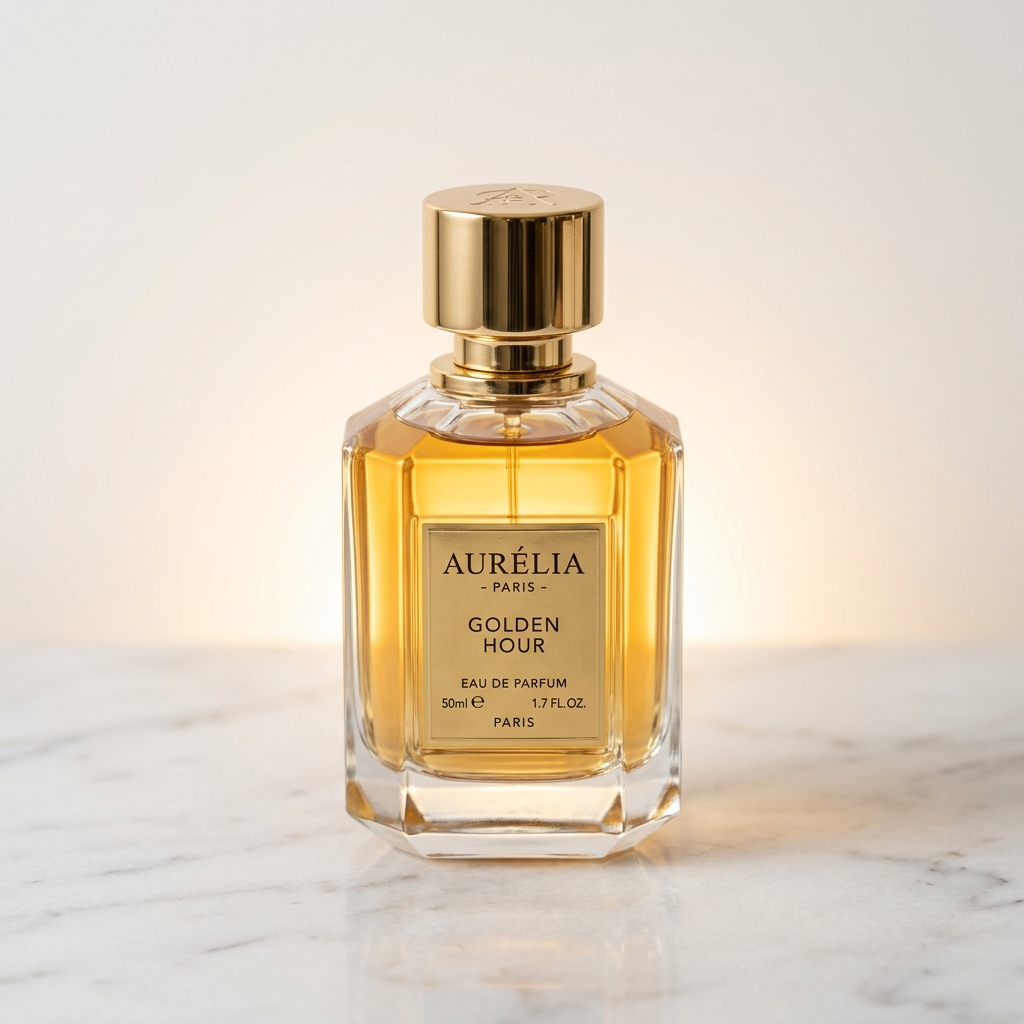
Original
Result
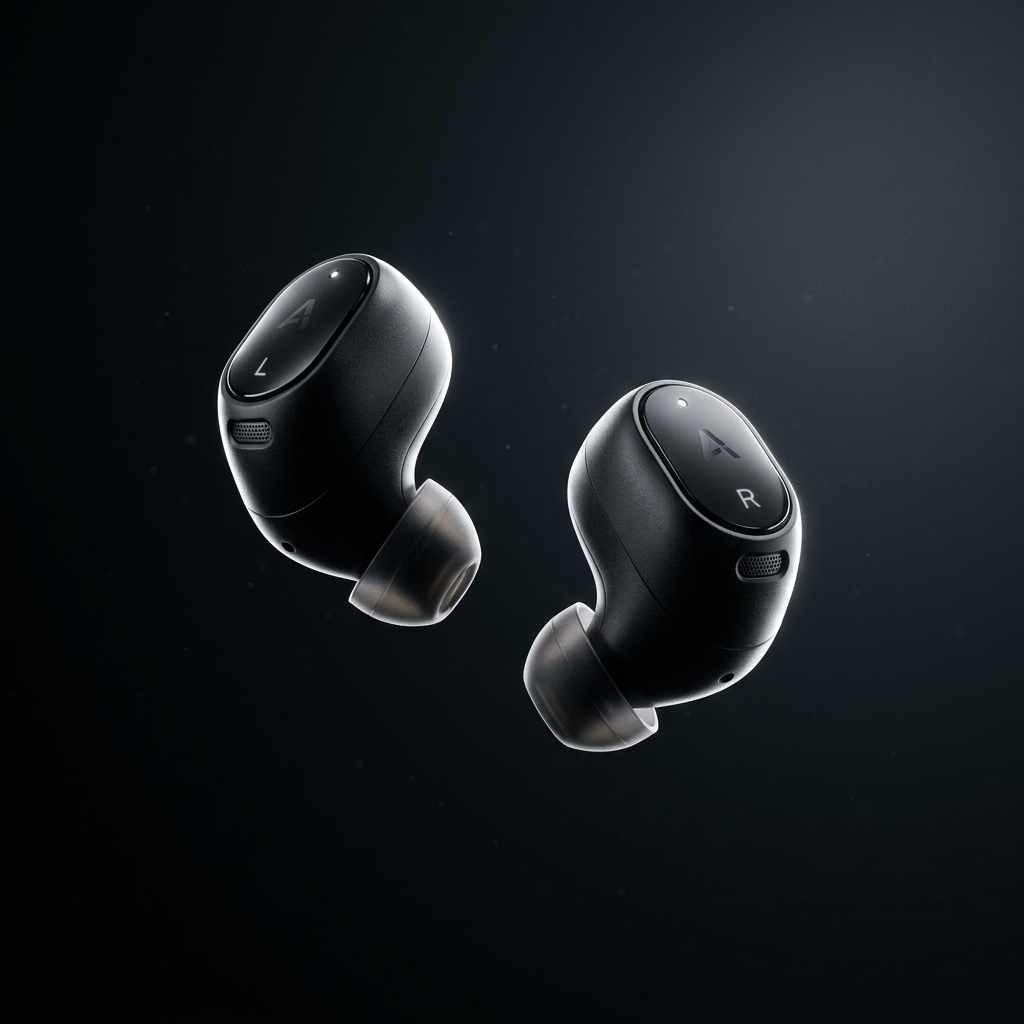
Original
Result
Upload your photo
Drop in any product image
Pick a style
Choose the look that fits your brand
Generate & download
Download your finished video when it is ready
Upload a product photo and generate a professional AI ad video.
Best results: clean background, well-lit, high resolution
These pages are built for fast, single-asset workflows. The strongest results come from picking the tool that matches your intent, then choosing a style that fits the channel.
Turn a hero product image into a short ecommerce ad for Shopify, Amazon, Etsy, or your own storefront.
Create a fast product teaser for paid social when you only have one clean studio photo ready to ship.
Refresh stale catalog images with motion for landing pages, PDP modules, or seasonal campaign drops.
Generate simple product demos for new launches before you have time or budget for a full video shoot.
Input quality still matters. A strong source image gives the motion model room to create believable movement and avoid the jitter that comes from weak photos.
Use a sharp image with the full product visible and enough space around it for camera movement.
Prefer clean lighting, accurate colors, and uncluttered backgrounds so the motion feels premium rather than noisy.
Keep reflective packaging, glass, and metallic finishes high resolution. Compression artifacts show up quickly in motion.
Avoid cropped edges, busy props, or screenshots with text overlays. They make the generated motion look synthetic.
You do not need a free-form prompt here. The main creative choice is picking the preset that matches your use case and publishing surface.
Use this when the product itself should do the talking. It works best for catalog ads, ecommerce galleries, Amazon main-image support, and any brand that wants crisp camera motion without extra drama.
Pick this for launches, promos, and performance creative where movement needs to feel fast and attention-grabbing. It suits tech accessories, beauty, fitness, and impulse-buy products especially well.
Choose this when you want the product to feel contextual and aspirational. It is useful for brand campaigns, homepage hero blocks, and social creative where mood matters as much as detail.
Shotra uses pay-as-you-go credits, so you can see the exact total before generating. The final charge depends on the tool, render tier, and in some flows the duration of your audio.
Seedance 2
820cr
Best for product launches, polished storefront videos, and premium paid-social creative.
The most common questions come down to input quality, cost, and where each tool fits in a real publishing workflow.